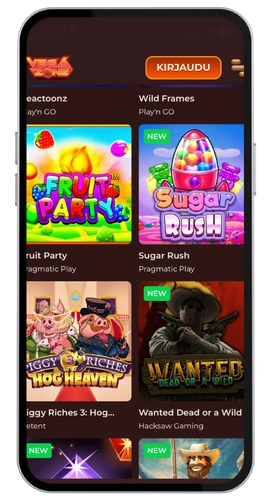
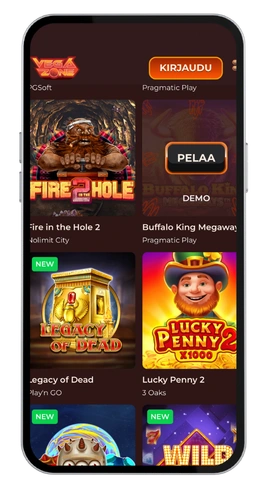
VegaZone App Download Guide
VegaZone download is fast and only a couple of minutes on any device. Android and iOS are a little different and thus we have divided each of them out below. You can switch between the two versions anytime without losing any progress on your account. Select your device and proceed with the steps.
How to Install the App on Android
VegaZone Android users can download directly on our official website since Google Play does not host real-money casino applications in Canada. Here’s the process:
- Tap the download button to obtain the APK file.
- Go to your security settings and turn on the option of installing unknown sources.
- Open your security settings and enable “Install from unknown sources.”
- Play within minutes after installing the app.
The entire installation lasts about three minutes. The only thing that surprises people is to enable that security setting, which you do once and never again. Subsequently, the updates are provided via the application itself. VegaZone Android is available on the majority of phones with version 5.0 or above, which means that most players do not have to worry about compatibility.